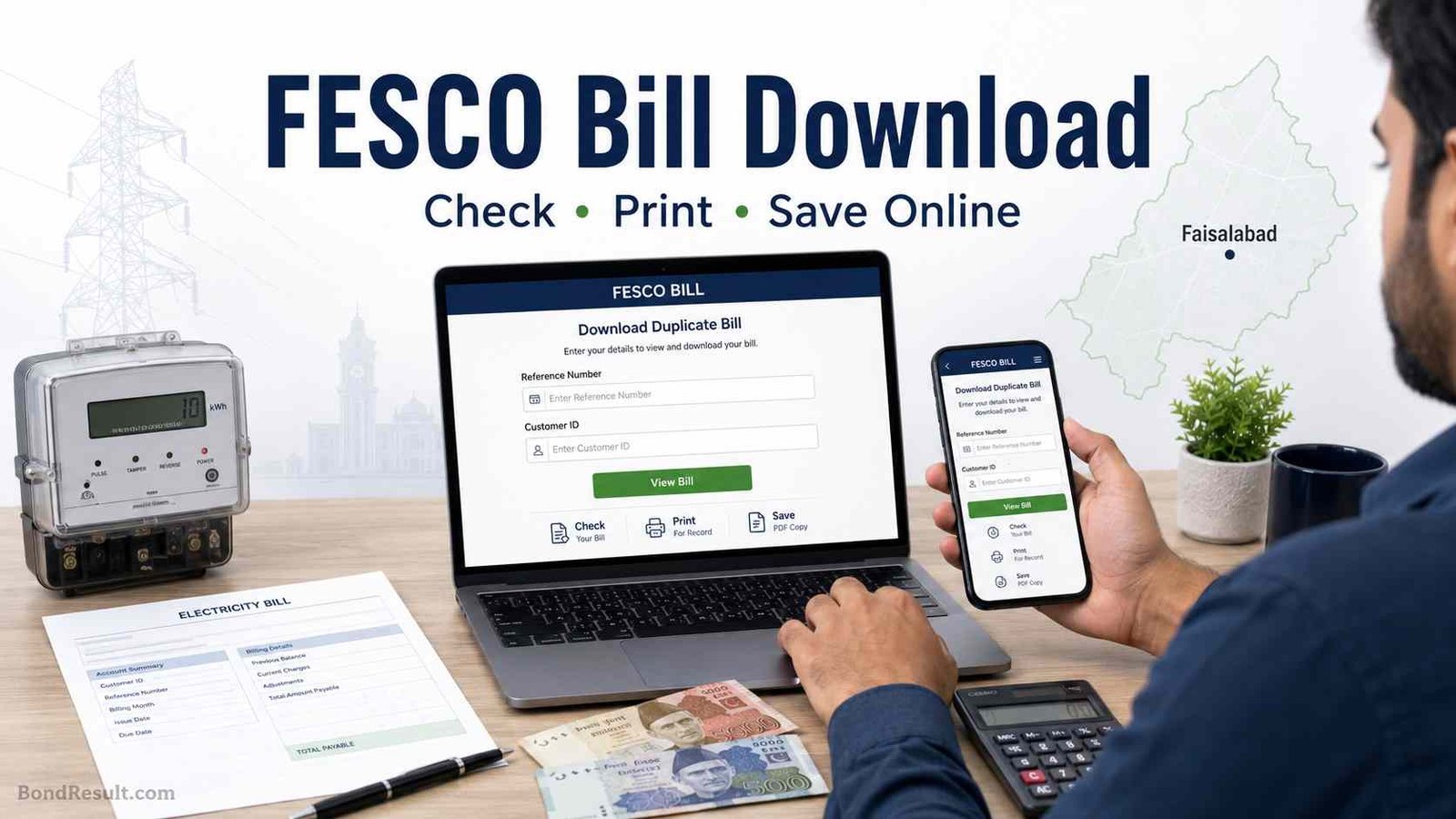
 Waiting for the electricity bill is a very normal tension in Pakistani homes. Kabhi bill late aa jata hai, kabhi paper bill gate ke bahar se gum ho jata hai, aur kabhi due date bilkul qareeb hoti hai. In that situation, FESCO Bill Download option becomes very helpful. You do not need to wait for the meter reader or paper copy. You can check your FESCO online bill from home using your mobile phone, laptop, or computer.
The official FESCO duplicate bill service is available through PITC’s web bill system, where users can search FESCO bill by Reference No. or Customer ID. FESCO also lists “Duplicate Bills” under its customer services section, which shows that online bill viewing is part of its public customer support system.
So, let’s go step by step and understand how to check, print, and download your FESCO duplicate bill in simple words.
What Is FESCO Bill Download?
FESCO Bill Download means getting a duplicate copy of your electricity bill online. This duplicate bill is useful when your original printed bill is lost, delayed, damaged, or not delivered. Many people in Faisalabad, Jhang, Sargodha, Chiniot, Toba Tek Singh, Mianwali, and nearby areas use online FESCO bill check because it saves time and avoids late payment tension.
FESCO stands for Faisalabad Electric Supply Company. It distributes electricity to a large service area and millions of customers. According to FESCO’s official website, the company supplies electricity to about 5.8 million customers in its territory, serving a population of over 26 million. This is why online bill checking is not a small facility. It is a very important service for families, shopkeepers, students living in hostels, office workers, and small business owners.
When you download your FESCO bill online, you can see important details like billing month, due date, payable amount, meter reading, arrears if any, taxes, and other charges. You can also print the bill and pay it through bank apps, JazzCash, Easypaisa, ATM, or physical bank branches.
Search Your FESCO Electricity Bill
* Reference Number must be 14 digits. Customer ID must be 10 digits.
How to Check FESCO Bill Online
To check your FESCO bill online, you need either your 14-digit reference number or customer ID. The official PITC FESCO bill page shows both options: Reference No. and Customer ID.
Here is the simple method:
- Open the official FESCO bill page.
- Enter your 14-digit reference number or customer ID.
- Click the search or submit button.
- Your latest FESCO bill will appear on screen.
- Use print option to save it as PDF or print a hard copy.
That’s it. No login, no long form, no CNIC verification in the normal duplicate bill process. Bas reference number ya customer ID chahiye.
FESCO Online Bill Check 14-Digit Reference Number
Most people search for fesco online bill check 14-digit because the reference number is the easiest way to find the bill. You can find this number on any old FESCO bill. It is usually printed near the top section of the bill.
Be careful while typing it. One wrong digit can show an error or no result. If your reference number has spaces on the bill, do not worry. You can type the digits together in the online form.
A good habit is to save your reference number in your phone notes. Many people also take a photo of their old bill so they can check the new bill anytime. This is especially helpful for shop owners, tenants, landlords, and people who manage more than one meter.
Can You Check FESCO Bill by Customer ID?
Yes, you can check your FESCO bill by Customer ID if that option is available on the official bill page. The PITC FESCO bill page includes a Customer ID field along with Reference No.
Customer ID is also printed on your electricity bill. Some users find it easier than reference number because it is shorter. Still, the reference number is more commonly used in Pakistan for online electricity bill checking.
If one method does not work, try the second one. For example, if reference number gives an error, enter Customer ID carefully and search again.
Can You Check FESCO Bill by CNIC Online?
Many people search fesco bill check by cnic online, but normally FESCO duplicate bill checking is not done by CNIC. The public online bill system asks for Reference No. or Customer ID, not CNIC.
So if someone tells you to enter CNIC on an unknown website to check your FESCO bill, be careful. Your CNIC is sensitive information. Do not share it on random pages, WhatsApp links, or fake bill-check forms.
For normal duplicate bill download, use the reference number or customer ID from your previous bill. This is safer and closer to the official process.
FESCO Online Bill Check Print Option
After your bill appears online, you can print it easily. On mobile, tap browser options and choose print or save as PDF. On computer, press Ctrl + P and select printer or PDF.
This is very useful when:
You need to pay bill at bank counter.
You need a copy for office record.
You are living in rented house and owner asks for bill.
Your original bill was damaged or misplaced.
You want to keep monthly electricity record.
The duplicate bill usually works like a normal bill for payment purpose. Just make sure the bill amount, due date, and reference number are clearly visible before printing.
FESCO Bill Download for Faisalabad Users
People in Faisalabad often search fesco bill online check faisalabad because Faisalabad is the main city linked with FESCO. But the online bill system is not only for Faisalabad city. It also helps customers in other areas under FESCO service territory.
FESCO’s official website describes it as the distribution company serving its assigned territory with millions of electricity customers. If your electricity bill is issued by FESCO, you can use the same online method whether you are in Faisalabad city, a nearby town, or another covered area.
This helps many people who live outside main cities too. For example, if your bill reaches late in village areas, you can still check it online before the due date.
FESCO Online Bill Check January 2026
If you are checking FESCO online bill check January 2026, the method is the same. You need your reference number or customer ID. The bill page normally shows the latest available bill for your connection.
Sometimes the bill for a new month appears after meter reading and billing cycle is completed. So if January 2026 bill is not showing yet, wait for your area’s billing schedule or check again later.
FESCO has a customer services section where it provides duplicate bill and billing-related services. This means users can keep checking online instead of waiting only for printed delivery.
Can You Check FESCO Previous Month Bill Online?
Many users search fesco online bill check previous month. The normal online duplicate bill page usually shows the latest bill available for your connection. Previous month records may not always be shown in the same simple duplicate bill view.
If you need an old bill, try these practical options:
Check your mobile banking bill payment history.
Look in your email or PDF downloads if you saved a copy.
Check WhatsApp or gallery if you shared bill photo earlier.
Visit FESCO office for official record if needed.
For personal use, the best habit is simple: every month, after checking your FESCO bill online, download it as PDF and save it in a folder named “Electricity Bills”. This small habit can save you from big headache later.
FESCO Bill Download Table
| Bill Check Item | What You Need | Best Use |
|---|---|---|
| Reference Number | 14-digit number from old bill | Most common method |
| Customer ID | Printed on FESCO bill | Alternative bill search |
| CNIC | Usually not used for duplicate bill | Avoid sharing on random sites |
| Print Bill | Browser print option | Bank payment or record |
| Save as PDF | Mobile or computer print menu | Monthly personal record |
| Previous Month Bill | Saved PDF or payment history | Office, tenant, or tax record |
Why FESCO Duplicate Bill Is Useful
In Pakistan, electricity bills are not just monthly papers. They are used for many daily matters. A bill may be needed for address proof, school admission record, shop file, office reimbursement, property rental discussion, or bank-related work.
For families, online bill download helps avoid late payment surcharge. For shopkeepers, it helps manage business expenses. For tenants, it helps share bill copy with house owner. For overseas Pakistanis, it helps check home electricity bills from outside Pakistan.
And honestly, it gives peace of mind. Jab bill time par mil jaye, banda payment plan kar leta hai. When the bill is missing, everyone starts asking, “Bill aya ya nahi?” Online FESCO bill check solves this small but common problem.
Common Problems While Checking FESCO Bill
Sometimes users enter the number but bill does not show. Do not panic. Most issues are small.
First, check your reference number again. If you copied it from an old photo, zoom in and confirm each digit. Second, try Customer ID if reference number is not working. Third, refresh the page or try another browser. Fourth, check after some time because the bill server may be slow during busy hours.
Also remember that new bills appear according to billing schedule. If your area bill has not been uploaded yet, the system may not show the latest month immediately.
Safe Tips Before Downloading FESCO Bill
Always prefer official or trusted bill-check sources. PITC’s web bill system powers online duplicate electricity bill pages for different DISCOs, including FESCO. Avoid websites that ask for unnecessary private details.
Do not share CNIC, bank OTP, Easypaisa PIN, JazzCash PIN, or debit card information just to check a bill. A real duplicate bill check does not need these things.
Also avoid fake “bill discount” or “subsidy apply” links on WhatsApp unless they are verified from official government or company sources. Electricity bill information is useful, but payment details and CNIC information must be protected.
FESCO Bill Payment After Download
After FESCO Bill Download, you can pay your bill through many common methods. Most people now use mobile banking apps, JazzCash, Easypaisa, ATM, internet banking, or bank branches.
Before paying, check these details:
Reference number
Billing month
Due date
Payable within due date
Payable after due date
Any arrears or extra charges
If the amount looks unusual, compare it with last month’s units. If there is a serious issue, contact FESCO customer support or visit the nearest customer service office.
FESCO Bill Download FAQs
How can I download my FESCO bill online?
You can download your FESCO bill online by entering your Reference No. or Customer ID on the official FESCO/PITC bill page. Once the bill appears, use print option and save it as PDF.
Can I check FESCO bill by 14-digit reference number?
Yes, the 14-digit reference number is the most common way to check FESCO bill online. You can find it on any previous FESCO electricity bill.
Can I print FESCO duplicate bill online?
Yes, after opening your bill online, press print or save as PDF. You can use the printed duplicate bill for payment and record keeping.
Can I check FESCO bill by CNIC?
Normally, FESCO online duplicate bill checking is done through Reference No. or Customer ID, not CNIC. Avoid entering CNIC on unknown bill-check websites.
Can I check FESCO previous month bill?
The normal duplicate bill page usually shows the latest available bill. For previous month bill, check saved PDFs, bank payment history, or contact FESCO office if official record is needed.
Is FESCO online bill check free?
Yes, checking your duplicate FESCO bill online is generally free. You only need internet access and your reference number or customer ID.


I am Fahad Munir, an experienced finance and prize bond analyst, provides reliable, up-to-date results, expert tips, and insights at BondResult.com to enhance your prize bond strategies