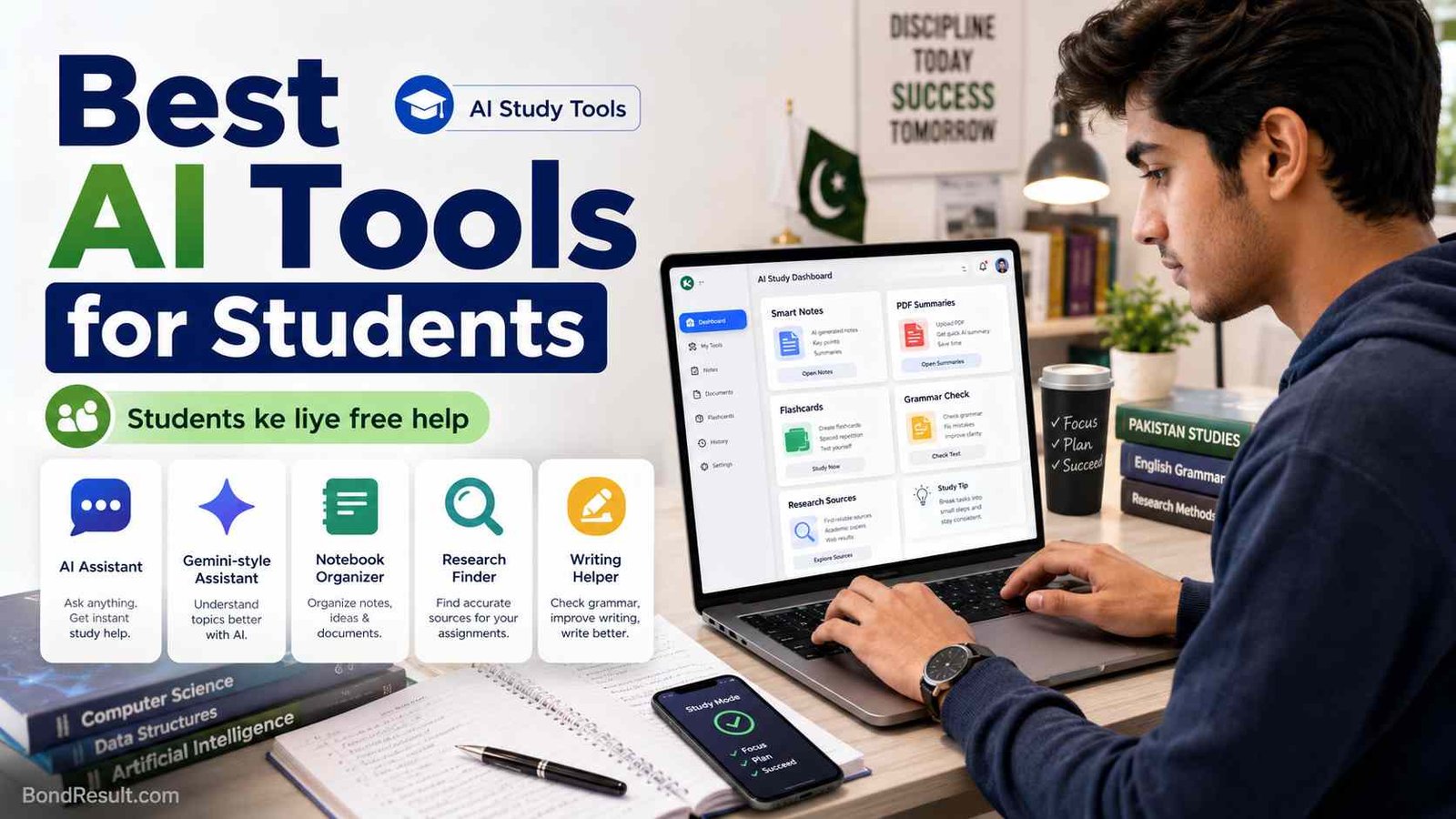
 Have you noticed one thing? These days every second student is asking about Best AI Tools for Students. Someone wants help with notes. Someone wants PDF summaries. Someone wants to prepare for exams. Someone wants to write assignments faster. And yes, many students also ask, “Which AI is better than ChatGPT?” or “Which AI tool is best for studying?” Fair question, yaar. AI is now part of student life, just like YouTube lectures, WhatsApp class groups, and last-night exam preparation.
But here’s what matters. AI is not magic, and it should not do your full assignment like a cheating machine. The smart way is to use AI as a study helper. It can explain difficult topics, make study notes, prepare quizzes, summarize long PDFs, improve English, check grammar, and help you understand subjects step by step. OpenAI says ChatGPT Study Mode is designed to guide students through problems step by step instead of just giving quick answers, which is exactly the safer learning style students need.
Best AI Tools for Students: Quick Comparison Table
| AI Tool | Best For | Free Option | Good For Pakistani Students? |
|---|---|---|---|
| ChatGPT | Study help, explanations, writing practice | Yes | Yes |
| Google Gemini | Step-by-step learning, Google tools, study help | Yes | Yes |
| NotebookLM | PDF notes, summaries, flashcards, quizzes | Yes | Very useful |
| Perplexity AI | Research with sources | Yes | Yes |
| Claude | Long explanations, learning support, writing help | Limited/free access varies | Yes |
| Grammarly | Grammar, English writing, assignment polishing | Yes | Very useful |
| Jenni AI | Academic writing, citations, research papers | Limited/free plan varies | Best for college/university |
| Canva AI | Presentations, posters, class projects | Yes | Very useful |
Why Students Need AI Tools Now
In Pakistan, many students already study with limited time and limited resources. A Matric student may not have a personal tutor for every subject. An Intermediate student may be preparing for board exams, entry tests, and practical files at the same time. A university student may have assignments, presentations, research papers, internships, and part-time work. So when AI helps explain a topic in simple words, it saves time and reduces stress.
Let’s say you are reading a Biology chapter and the English feels too heavy. You can ask ChatGPT or Gemini, “Explain this topic like I am in class 9.” If you have a PDF lecture, NotebookLM can help summarize it, make flashcards, and prepare quiz-style questions. Google says NotebookLM can generate flashcards, quizzes, reports, and study material from student sources.
This is why best AI tools for students free is becoming such a popular search. Students want help, but they also want free options because not everyone can pay monthly dollars. And honestly, for most school and college students, free plans are enough if used smartly.
Which AI Is the Best for Students?
The best AI for students depends on your work. There is no single perfect tool for everyone. If you want a friendly tutor, ChatGPT is excellent. If you want Google-style study support with step-by-step help, Gemini is very strong. Google says Gemini for Students can break down tricky topics with step-by-step guides and teach both the “why” and the “how.”
If you have lectures, PDFs, notes, or research material, NotebookLM is one of the best choices. It works like your personal study notebook. You upload your material, and it helps you understand that same material. This is very useful because students often get confused when general AI gives answers that are not from their syllabus. NotebookLM is built around your own sources, and Google describes it as an AI research tool that can analyze sources and turn complex content into clearer material.
For research work, Perplexity AI is better than normal chatting because it gives answers with sources. Its official site describes it as a free AI-powered answer engine that provides real-time answers. For English improvement, Grammarly is better because it focuses on grammar, clarity, and writing feedback. Grammarly says its student tool gives real-time writing support and helps students disclose AI use with integrity.
ChatGPT: Best Overall AI Tool for Students
ChatGPT is still one of the most useful AI tools for students because it can do many things in one place. You can ask it to explain math steps, summarize a chapter, create a study plan, make MCQs, check your English paragraph, prepare interview answers, or simplify a difficult topic. For Pakistani students, it is useful because you can ask questions in simple English, Roman Urdu, or mixed style like, “Mujhe ye topic easy words mein samjhao.”
The biggest benefit is Study Mode. OpenAI says Study Mode can guide understanding with Socratic-style questions, break concepts into easy sections, check your understanding, and work with uploaded images or PDFs. This is helpful because instead of copying ready-made answers, you can learn the topic slowly.
Use ChatGPT for:
- Explaining difficult topics in simple English
- Making short notes and exam-style questions
- Practicing English essays, applications, and summaries
- Preparing viva questions
- Creating study timetables
But remember one thing. Do not submit AI text directly as your own assignment. Teachers are getting smart too. Use it to learn, improve, and organize your ideas.
Google Gemini: Best AI Tool for Google Users
Gemini is a strong option for students who already use Google Search, Gmail, Docs, Drive, or Android phones. Many Pakistani students use Android, so Gemini feels easy and familiar. You can ask it to explain a topic, make a study plan, help with writing, or guide you through a subject.
Google’s Guided Learning mode is made for understanding, not just answers. Google says Guided Learning uses open-ended questions, step-by-step explanations, images, diagrams, videos, and quizzes to help students build deeper knowledge. That makes it useful for students who want a proper learning flow.
Gemini is also good when you need visual explanations. For example, if you are studying photosynthesis, electricity circuits, human heart structure, or economics graphs, Gemini can often explain with more visual thinking than a plain text answer.
NotebookLM: Best AI for Study Notes and PDFs
If your main need is best AI for study notes, then NotebookLM deserves a top place. Many students have PDFs, teacher notes, slides, guess papers, and downloaded books. Reading all of them can feel like climbing K2. NotebookLM helps by working with your uploaded sources.
You can upload your notes and ask:
“Make easy notes from this PDF.”
“Create MCQs from chapter 3.”
“Explain this lecture in simple words.”
“Make flashcards for revision.”
“Give me important questions for exams.”
Google has promoted NotebookLM for students as a tool that can turn study material into flashcards, quizzes, reports, and learning guides. This is especially useful for board students and university students who have long PDFs. If you search best AI tools for students PDF, NotebookLM should be one of your first options.
One important tip: upload only useful material. If you upload wrong, old, or mixed notes, the answer may also become confusing. Clean notes, better output. Simple rule.
Perplexity AI: Best AI Tool for Research with Sources
Perplexity AI is very useful when you need research, facts, sources, or updated information. Normal AI chat can sometimes give confident but wrong answers. Perplexity works more like an AI search engine. It gives answers with references, so you can check where the information came from.
This is helpful for university assignments, current affairs, scholarship research, job updates, and presentation topics. Perplexity’s official site calls it a free AI-powered answer engine for accurate, trusted, real-time answers.
For example, if your teacher gives a topic like “Impact of AI on education in Pakistan,” you can use Perplexity to find updated reports, news, and sources. Then you can use ChatGPT or Grammarly to organize your writing. This combination is very powerful.
But do not blindly copy references. Open the sources, check the date, and confirm the information. Especially for government schemes, admissions, scholarships, and job updates, always verify from official websites.
Claude: Best for Long Explanations and Deep Learning
Claude is another strong AI assistant. It is especially good for long reading, thoughtful explanations, and writing support. Anthropic introduced Claude for Education with a Learning Mode that guides students’ reasoning instead of only giving direct answers.
For students, Claude can help with:
Long essay planning
Understanding difficult theory
Summarizing large text
Creating debate points
Improving writing tone
Explaining concepts with examples
If you are a university student working on philosophy, psychology, literature, sociology, law, or business subjects, Claude can be very helpful. It often gives balanced and careful explanations. But availability and free limits can change, so students should check the official Claude website before depending on it fully.
Grammarly: Best AI Tool for English Writing
Many Pakistani students understand their subject but struggle with English writing. This is normal. You may know the answer, but when you write it in English, grammar, spelling, and sentence flow become a problem. Grammarly is useful here.
Grammarly helps with grammar, spelling, clarity, tone, and sentence improvement. Its student page says it provides real-time writing support and helps students improve their writing skills.
Use Grammarly for:
Assignment checking
Email writing
Scholarship applications
Personal statements
CV and cover letters
English essays
University reports
But don’t let Grammarly make your writing too fancy. If your teacher knows your normal writing style, suddenly submitting a perfect “foreign style” essay may look suspicious. Keep it natural. Improve your writing, but don’t lose your own voice.
Jenni AI: Best for College Students and Research Papers
You included Jenni AI in your LSI keywords, and yes, it is worth mentioning. Jenni AI is focused on academic writing, research papers, citations, and essay support. Its official website describes it as an AI academic writer and research tool for students, researchers, and academics.
Jenni is more useful for university students than school students. If you are writing research proposals, literature reviews, academic essays, or thesis-related drafts, Jenni can help organize sources and writing. Its pricing page also says it is used by millions of writers and supports academic writing and productivity.
Still, use it carefully. Academic writing needs honesty. If you use AI for citations, double-check every source. Fake or mismatched citations can damage your marks and trust. Teacher ko pata chal jata hai when reference looks professional but does not match the topic.
Canva AI: Best for Presentations and Class Projects
Canva is not just for designers now. Students use it for presentations, posters, charts, infographics, assignment covers, and project files. Canva AI features can help create designs faster, generate layouts, improve visuals, and make class presentations look clean.
For Pakistani students, Canva is very helpful because many assignments now need presentation slides or poster-style work. Whether you are making a science project, business presentation, awareness poster, or university seminar deck, Canva saves time.
Use Canva when you need:
Class presentations
Assignment title pages
Infographics
Social awareness posters
CV design
Project charts
School event graphics
Just keep the design simple. Too many colors, shadows, and effects make it look like a wedding card. Clean design always looks better.
Which AI Is Better Than ChatGPT?
This question is popular, but the honest answer is: it depends on the task.
For general study help, ChatGPT is still one of the best. For Google-based learning and step-by-step guided study, Gemini is very strong. For PDF notes and source-based learning, NotebookLM may be better. For research with sources, Perplexity is better. For English grammar, Grammarly is better. For academic writing and citations, Jenni AI may be better. For long thoughtful explanations, Claude is excellent.
So instead of asking “Which AI is better than ChatGPT?” ask this:
“What work do I need help with?”
If the work is study explanation, use ChatGPT or Gemini.
If the work is PDF notes, use NotebookLM.
If the work is research, use Perplexity.
If the work is grammar, use Grammarly.
If the work is academic writing, use Jenni AI.
That is the smart student approach.
What Are the Top 3 AI Tools for Students?
For most students, the top 3 are:
ChatGPT for learning, explanations, quizzes, and writing practice.
NotebookLM for notes, PDFs, flashcards, and exam revision.
Perplexity AI for research, sources, and updated information.
If you want a Google-based option, replace ChatGPT with Gemini or use both. Google also offers AI learning resources for students through tools like Gemini and NotebookLM, including help with exams, writing, notes, and career preparation.
Best AI Tools for Students Free
Many students search ai for students free, and that makes sense. Not everyone can pay monthly subscriptions. The good news is that many tools offer free access, but limits can change.
Free tools worth trying:
ChatGPT free plan
Google Gemini
NotebookLM
Perplexity AI
Grammarly free plan
Canva free plan
QuillBot limited free tools
Microsoft Copilot
The free version is enough for basic study. Paid versions are mostly useful when you need more messages, file uploads, advanced models, bigger limits, or professional writing features. For a Matric or Inter student, free tools are usually enough. For a university student doing research work, paid tools may help, but only if you actually use them daily.
How Pakistani Students Should Use AI Without Cheating
AI can help you, but it can also make you lazy if you use it the wrong way. If you ask AI to write your full assignment and you submit it without understanding, you may get marks once, but you will lose learning. Later, in exams or interviews, the problem will come back.
A better method is simple:
Ask AI to explain the topic.
Write your own answer.
Use AI to improve grammar.
Check facts from books or official sources.
Add your own examples.
Revise before submitting.
For example, if your topic is “Causes of inflation in Pakistan,” don’t just copy AI text. Ask AI to explain inflation in simple words. Then add examples like petrol prices, electricity bills, school fees, and grocery costs. This makes your answer real and local.
Best AI Tools for College Students
College and university students need more than basic answers. They need research, citations, presentations, notes, summaries, and writing improvement. For them, a good toolkit can be:
ChatGPT or Gemini for understanding topics
NotebookLM for lecture notes and PDFs
Perplexity for research sources
Jenni AI for academic drafts and citations
Grammarly for grammar and clarity
Canva for presentations
This setup covers almost everything. You don’t need 20 AI tools. Too many tools waste time. Pick 4 or 5 and learn them properly.
Best AI Tools for Students Reddit: Should You Trust Reddit Advice?
Many students search best AI tools for students Reddit because they want real user opinions. Reddit can be useful because students share personal experience. But Reddit is not always reliable. Some posts are old, some are promotional, and some users recommend tools based on their own country, budget, or university rules.
Use Reddit for ideas, not final decisions. Before using any tool seriously, check the official website, pricing, privacy policy, and whether your school allows it. Some universities have strict AI policies. In Pakistan, many schools are still figuring out AI rules, so use it safely.
Simple AI Study Routine for Students
Here is a practical routine you can follow:
After class, upload your notes to NotebookLM and make short revision notes.
Use ChatGPT or Gemini to explain any confusing topic.
Use Perplexity to find updated sources for assignments.
Write your own answer in simple words.
Use Grammarly to check grammar.
Use Canva if you need slides or posters.
This routine is simple and powerful. It saves time, but still keeps you involved in learning.
Common Mistakes Students Make with AI
The biggest mistake is copying full answers. The second mistake is trusting every AI answer. The third mistake is using AI only one night before exams and expecting miracles. AI is helpful, but it cannot replace regular study.
Another mistake is asking weak prompts. Instead of saying “Explain physics,” ask:
“Explain Newton’s second law in easy English for class 9 with one daily life example.”
Instead of saying “Make notes,” ask:
“Make short exam notes from this chapter with headings, key points, and 10 MCQs.”
Good prompt, good answer. Weak prompt, weak answer.
FAQs About Best AI Tools for Students
Which AI is the best for students?
ChatGPT, Gemini, NotebookLM, and Perplexity are among the best AI tools for students. ChatGPT is best for general study help, Gemini is strong for guided learning, NotebookLM is excellent for PDFs and notes, and Perplexity is useful for research with sources.
Which AI is better than ChatGPT?
No single AI is better than ChatGPT for every task. NotebookLM can be better for PDFs, Perplexity can be better for research sources, Grammarly can be better for grammar, and Jenni AI can be better for academic writing.
Which AI tool is best for studying?
NotebookLM is one of the best tools for studying because it can work with your own notes and PDFs. ChatGPT and Gemini are also very useful for explanations, quizzes, and exam preparation.
What are the top 3 AI tools?
For most students, the top 3 AI tools are ChatGPT, NotebookLM, and Perplexity AI. If you prefer Google tools, Gemini can also be included in the top list.
Are there free AI tools for students?
Yes. ChatGPT, Gemini, NotebookLM, Perplexity, Grammarly, and Canva all offer free access in some form. Free limits can change, so students should check the latest details on official websites.

Fahad Munir is a senior content writer at BondResult.com covering Prize Bonds, education updates, government employee services and selected public schemes. His guides are prepared using official government, board and university sources.