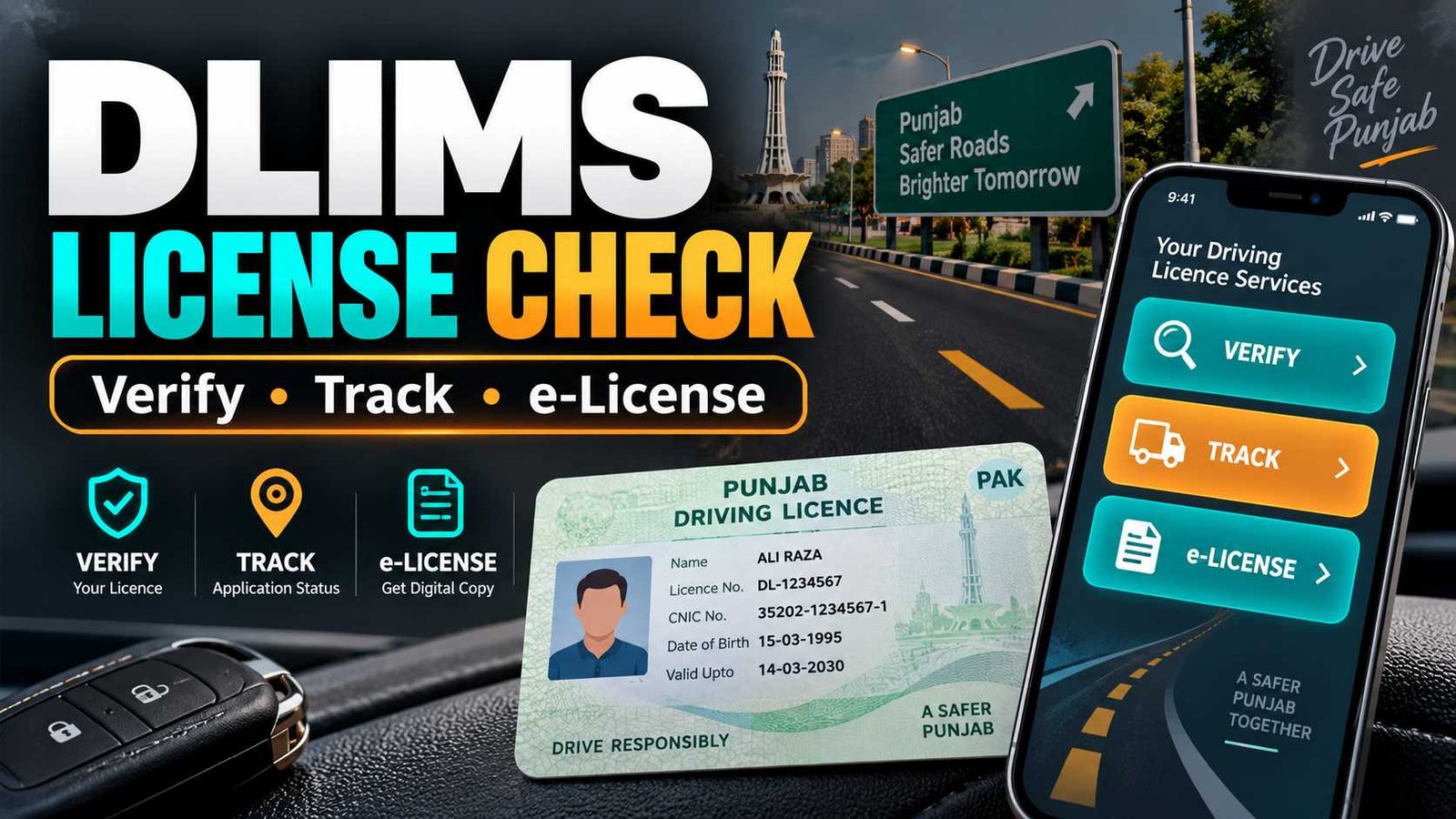
 Punjab residents can check their driving licence online through the official DLIMS Punjab and Dastak system. The system has changed, so old instructions that say you only need a CNIC for licence verification are no longer correct.
For driving licence verification, the current system asks for your CNIC without dashes and licence number. If you only want to track your licence, you can use your CNIC. For an e-License, you need your CNIC and date of birth.
Current DLIMS Status
| Service | What You Need |
|---|---|
| Driving Licence Verification | CNIC + Licence Number |
| Licence Tracking | CNIC |
| e-License | CNIC + Date of Birth |
| Current System | DLIMS powered by Dastak |
| Province | Punjab |
| Last Verified | 15 September 2026 |
Official action: Use the official Punjab DLIMS/Dastak system for verification, tracking or e-License generation. Do not enter your CNIC or licence information on unknown third-party websites.
How to Verify Punjab Driving Licence Online
If you already have a Punjab driving licence and want to confirm its record online, the official verification process is quite simple.
- Open the official Punjab DLIMS/Dastak licence service.
- Select Verify License.
- Choose Regular License or International License, whichever applies to you.
- Enter your 13-digit CNIC without dashes.
- Enter your driving licence number.
- Complete the security captcha shown on the page.
- Press Verify License to check the record.
The important point here is the licence number. You cannot correctly describe the current verification method as Punjab driving licence check by CNIC only. The current verification form asks for both CNIC and licence number.
So if someone asks, Can I check my driver’s license online in Punjab using my CNIC?, the answer is yes, but for licence verification you also need your licence number.
CNIC Check, Tracking and e-License Are Different
Many people get confused because Punjab’s online system offers three similar services. They are not the same.
| Online Service | Information Required | Main Purpose |
|---|---|---|
| Verify License | CNIC + Licence Number | Check an existing licence record |
| Track License | CNIC | Check licence/application tracking |
| e-License | CNIC + Date of Birth | Generate your electronic licence |
This difference matters if you search for terms such as Punjab driving licence check online CNIC or online driving license check by CNIC.
If you enter only your CNIC in the verification section, you will still be missing the licence number. For CNIC-only checking, the relevant current option is Track License.
The official system asks users to enter the CNIC without hyphens, for example as one continuous 13-digit number.
How to Track Your Driving Licence
If you have already submitted a licence-related application and want to know its progress, use the Track License option instead of Verify License.
The current tracking tool asks for your CNIC without dashes and the security verification shown on the screen.
This can be useful if your licence or licence-related application is under processing and you simply want to check its current status.
There is no need to enter a licence number in the current Track License form.
Remember the simple difference:
Verification checks the licence record. Tracking checks the progress or status linked with your CNIC.
That small distinction can save you from repeatedly entering information in the wrong section.
How to Get Punjab e-License Online
Punjab also provides an e-License option through the current online system.
For e-License generation, select whether you have a Regular License or International License. Then enter your CNIC without dashes and your date of birth in the required format.
The current e-License tool requires:
CNIC + Date of Birth
It does not use exactly the same information as the licence-verification tool.
This service can be useful when you need access to the electronic version connected with your Punjab driving licence record. Always generate it through the official government system rather than websites offering unofficial licence downloads.
DLIMS Has Moved to Maryam Ki Dastak
Punjab’s driving licence system has gone through an important change in 2026.
DLIMS is now integrated with Dastak, the Government of Punjab’s one-window platform for government services. The official DLIMS website states that DLIMS processes, including application submission, verification, payment and card tracking, are handled through the Dastak-powered system.
The DLIMS site also tells existing users that services have moved to Dastak and that previous DLIMS applications and records can be linked with a Dastak account.
This is why you may now see Dastak when trying to use a service that people previously knew simply as DLIMS Punjab.
So there is no need to worry if the official system takes you toward Dastak. It is part of the current Punjab Government service setup.
Which Driving Licence Services Are Available on Maryam Ki Dastak?
A common question is: Can I get my driving license from Maryam Ki Dastak?
Dastak currently lists several DLIMS services for Punjab citizens. These include Learner Driving License, Renewal of Learner Driving License, Renewal of Regular License, Duplicate Driving License, Duplicate International Driving License, and Renewal of International Driving License.
This means Dastak is now an important official platform for dealing with a number of driving-licence services.
However, do not assume that every type of licence request follows exactly the same online procedure.
For example, the current public service list clearly shows renewal, duplicate and learner-related services, but that does not by itself prove that a person can complete every step of a first-time regular driving licence entirely online without any required test or physical process.
Use the service shown for your exact need and follow the instructions provided by the official portal.
Licence Verification Not Working
If DLIMS driving licence verification is not giving you the expected result, first check the information you entered.
Your CNIC should be entered without dashes in the current verification form. Also make sure that you selected the correct licence type and entered the correct licence number.
Another common mistake is opening Track License when you actually want to verify an existing licence, or opening Verify License when your purpose is only to track an application.
The three tools use different information, so choose the correct option first.
If the official page itself is not loading properly, try refreshing it and make sure JavaScript is enabled in your browser. You can also try the current official Dastak platform rather than relying on an old saved DLIMS page.
For official Dastak support, the current portal provides the 1202 helpline and support@dastak.punjab.gov.pk.
Avoid giving your CNIC, date of birth or licence number to an unknown person who promises to check the record privately for you.
DLIMS Driving Licence FAQs
Can I check my Punjab driving licence by CNIC only?
For current licence verification, CNIC alone is not enough. The official form asks for your CNIC without dashes and your licence number. The Track License tool currently uses CNIC without a licence number.
How can I check driving licence details online in Punjab?
Open the official DLIMS/Dastak system, choose Verify License, select your licence type, and enter your CNIC and licence number. Complete the security check and submit the form.
What is DLIMS Punjab?
DLIMS stands for Driving License Information Management System. In the current setup, Punjab DLIMS is integrated with the Government of Punjab’s Dastak one-window platform for driving licence services.
How can I track my driving licence online?
Choose Track License in the official system and enter your CNIC without dashes. Complete the security verification to continue.
Can I get an e-License online in Punjab?
Yes. The current official system provides an e-License option. Select Regular or International License and enter your CNIC and date of birth to generate the e-License through the official service.
Is Maryam Ki Dastak providing driving licence services?
Yes. The Dastak platform currently lists several DLIMS services, including learner licences, learner renewal, regular licence renewal, duplicate licences and international licence-related services.
Check Your Licence Through the Official System
For the safest and most accurate result, use the Government of Punjab’s official DLIMS/Dastak system. Keep one point in mind: verification, tracking and e-License are three different services.
For verification, keep your CNIC and licence number ready. For tracking, use your CNIC. For an e-License, keep your CNIC and date of birth ready.
That is the current online process for Punjab driving licence services as verified on 15 September 2026.

Fahad Munir is a senior content writer at BondResult.com covering Prize Bonds, education updates, government employee services and selected public schemes. His guides are prepared using official government, board and university sources.