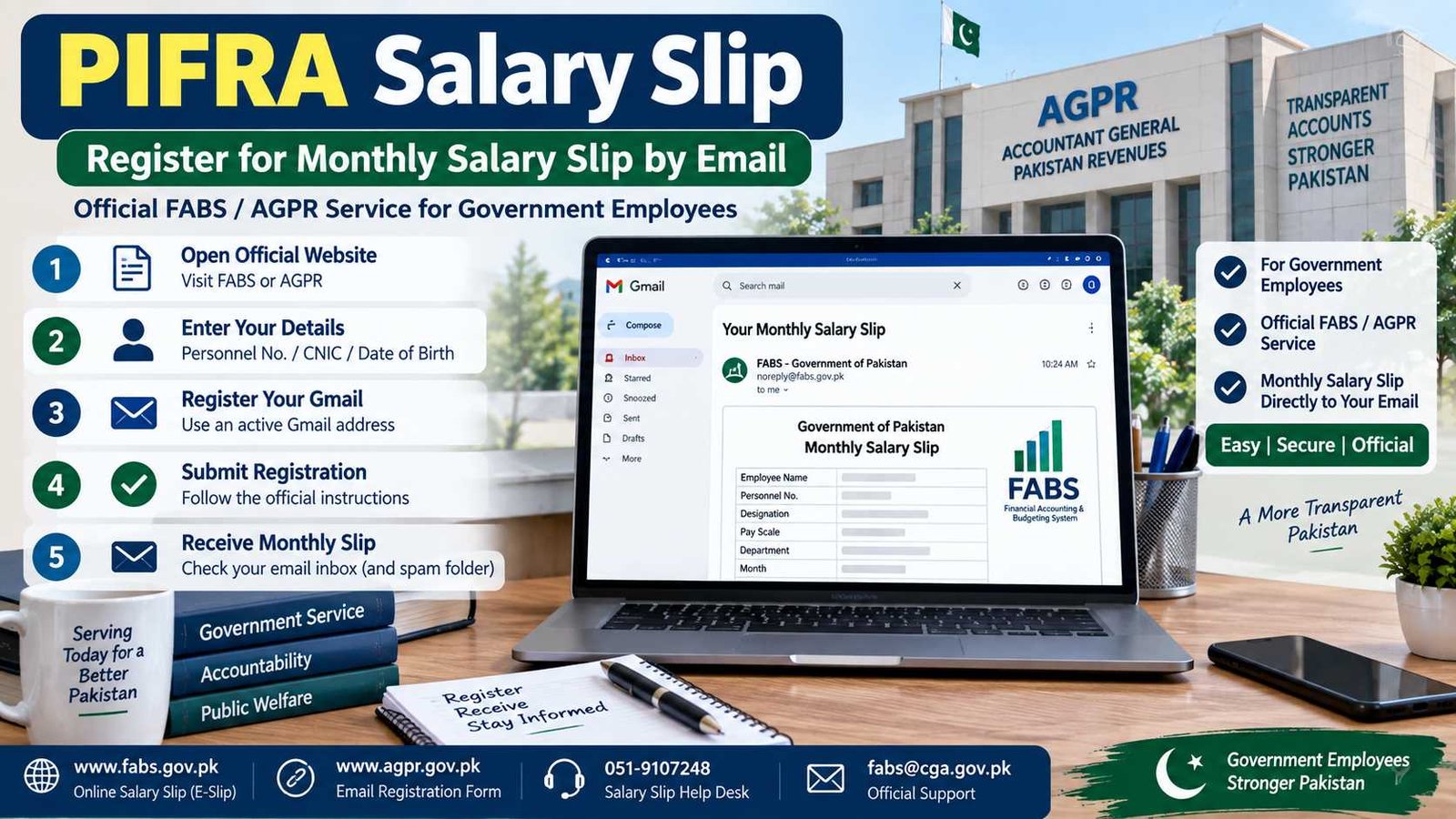
 If you are looking for PIFRA Salary Slip registration, the service is still available, but the official system is now better understood through FABS and AGPR. Government employees can register an email address to receive their salary slip electronically instead of depending only on a printed copy from their office.
The official FABS website currently lists Online Salary Slip and describes E-Slip as a service for receiving salary slips through email. AGPR also provides an Email Registration Form for online salary and pension slips and currently tells employees to use an email registered with Gmail.
PIFRA Salary Slip Current Status
| Detail | Current Information |
|---|---|
| Service | Online Salary Slip / E-Slip |
| Current System | FABS / AGPR |
| Registration | Active |
| Delivery Method | |
| Recommended Email | Gmail |
| Official Registration | Government PIFRA/FABS service |
| Last Verified | 15 September 2026 |
Official action: Open the Government Salary Slip Registration Portal
You can also start from the official FABS website or official AGPR website.
PIFRA Salary Slip and FABS – What the Service Is Now
Many government employees still know the facility as the PIFRA Salary Slip service. You may also see searches such as www pifra gov pk pay slip download, PIFRA registration, or PIFRA pay slip login.
Here is what matters: the current official FABS website calls itself the Financial Accounting & Budgeting System and includes Online Salary Slip among its services. It says FABS processes payroll for around 2.74 million federal and provincial government employees.
AGPR separately provides an Email Registration Form for Online Salary Slip and Pension Slip. Its current instruction specifically asks for an email registered with Gmail.
So, PIFRA is still the familiar name people use, but employees should perform registration through the current official government service rather than through websites that simply use PIFRA in their domain name.
This is especially important because your CNIC, personnel number, date of birth and payroll details are private information.
How to Register for PIFRA Salary Slip by Email
The registration process starts from the official salary-slip form.
- Open the official government salary-slip registration portal.
- Enter the employee information requested by the live form.
- Use details exactly as they appear in your payroll or service record.
- Let the system verify your employee information.
- When the email-registration option appears, enter your active Gmail address carefully.
- Complete the registration using the instructions shown on the government screen.
The direct government address currently redirects to the SAP-based employee salary-slip registration system, confirming that the service remains active.
Do not use an old screenshot as your guide if the current form looks different. Follow the fields and instructions displayed on the live government portal.
Details You Need Before Registration
It is better to keep your official employee information ready before opening the PIFRA salary slip registration form.
Depending on the current screen, you may need details such as:
- your government or payroll code
- employee or personnel number
- CNIC
- date of birth
- mobile number
- active Gmail address
Your information should match your official payroll record.
For example, do not guess your personnel number. If you are not sure, check your previous salary record or ask the dealing clerk/accounts branch in your department.
The same applies to your date of birth. Enter the information recorded in the government payroll system rather than changing it just to make the registration form accept your details.
You may find old websites showing long PIFRA government-code tables. It is safer to follow the options displayed on the current official registration screen instead of copying a code from an old article.
How to Get and Download Your Salary Slip from Email
Once your email registration is active, the purpose of E-Slip is to deliver the salary slip through email. FABS currently describes E-Slip as a way for government employees to receive salary slips by email.
Check the Gmail address that you registered.
When a salary-slip email arrives:
- Open the message.
- Check the salary-slip information carefully.
- Open the attached or available salary-slip document.
- Save it on your mobile or computer if you need a personal copy.
- Print it if your office, bank or another department requires a paper copy.
Also check Spam, Junk or All Mail if you cannot see the message in your main inbox.
One important point: the current official pages checked for this update do not advertise a separate public PIFRA username/password dashboard where every employee can log in and browse all old salary slips.
So if you search for www pifra gov pk pay slip login, do not assume that any website offering a login box is an official government employee portal.
Salary Slip Not Received or Registration Not Working
Sometimes an employee completes the form but the salary slip does not arrive as expected.
First, check the simple things.
Make sure you are checking the same Gmail address that was used during registration. Look in Spam and All Mail as well.
If the registration form itself does not accept your information, compare the entered CNIC, personnel number and date of birth with your actual service or payroll record.
A spelling difference is not always the main issue. Payroll systems normally identify employees through recorded employee details, so an incorrect personnel number or different date of birth can stop the details from matching.
If you have recently joined a department, transferred to another office or had your employee record changed, contact your own accounts or establishment branch if the salary record itself needs correction.
For problems related to the salary-slip service, the current FABS website lists:
Salary Slip Help: 051-9107248
Email: fabs@cga.gov.pk
FABS also displays unsubscribe@pifra.gov.pk in its salary-slip help-desk information.
Wrong Email or Employee Details
Do not repeatedly submit different information just to see which version works.
If your CNIC, date of birth or personnel number is wrong in the official payroll record, the better solution is to have the underlying employee record checked through your department or concerned accounts office.
If the problem is with your registered email, use the official FABS salary-slip support route rather than sending your employee information to a random PIFRA website.
AGPR currently specifically mentions Gmail for online salary-slip and pension-slip registration. If you are using an old Yahoo registration, check the present government form and follow its current instructions.
Never share your CNIC, personnel number, salary details or date of birth in public Facebook comments, WhatsApp groups or unofficial forms.
PIFRA Salary Slip FAQs
How do I register my email for PIFRA Salary Slip?
Open the official government salary-slip registration service, enter the employee information requested by the form and register the Gmail address where you want to receive your salary slip. AGPR currently specifically mentions Gmail for its online salary and pension slip registration service.
How can I get my salary slip on email?
Register through the official salary-slip service. FABS describes E-Slip as a facility for government employees to receive their salary slips through email.
Can I check my PIFRA Salary Slip online using only CNIC?
The current official FABS and AGPR pages checked for this update do not advertise a public CNIC-only salary-slip lookup where an employee enters a CNIC and immediately views the monthly salary slip. Be careful with unofficial websites making this claim.
Is there a PIFRA Salary Slip login?
The current official sources do not advertise a separate public username-and-password PIFRA employee dashboard for salary slips. The active service focuses on employee information verification and email registration.
Can I download my old salary slips online?
The official pages checked for this update do not provide a clearly advertised public archive where employees can log in and download every previous salary slip. Check your registered email first. For a missing historical record, your departmental accounts office may be the more appropriate place to ask.
Is the same registration available for pension slips?
AGPR currently describes its Email Registration Form as being for both Online Salary Slip and Pension Slip. Pension matters have their own requirements, so pensioners should follow the current AGPR instructions instead of assuming every salary-slip step is identical.
Use Only the Official Salary Slip Service
For PIFRA Salary Slip registration, the safest route is simple: start with FABS, AGPR or the government-hosted m.pifra.gov.pk registration service.
Do not give your CNIC, personnel number or date of birth to a website merely because its name contains PIFRA.
Register for Salary Slip on the Official Government Portal
For other government employee information such as salary updates, pension matters, forms and allowances, you can also visit the Employee Corner on BondResult.com.

Fahad Munir is a senior content writer at BondResult.com covering Prize Bonds, education updates, government employee services and selected public schemes. His guides are prepared using official government, board and university sources.